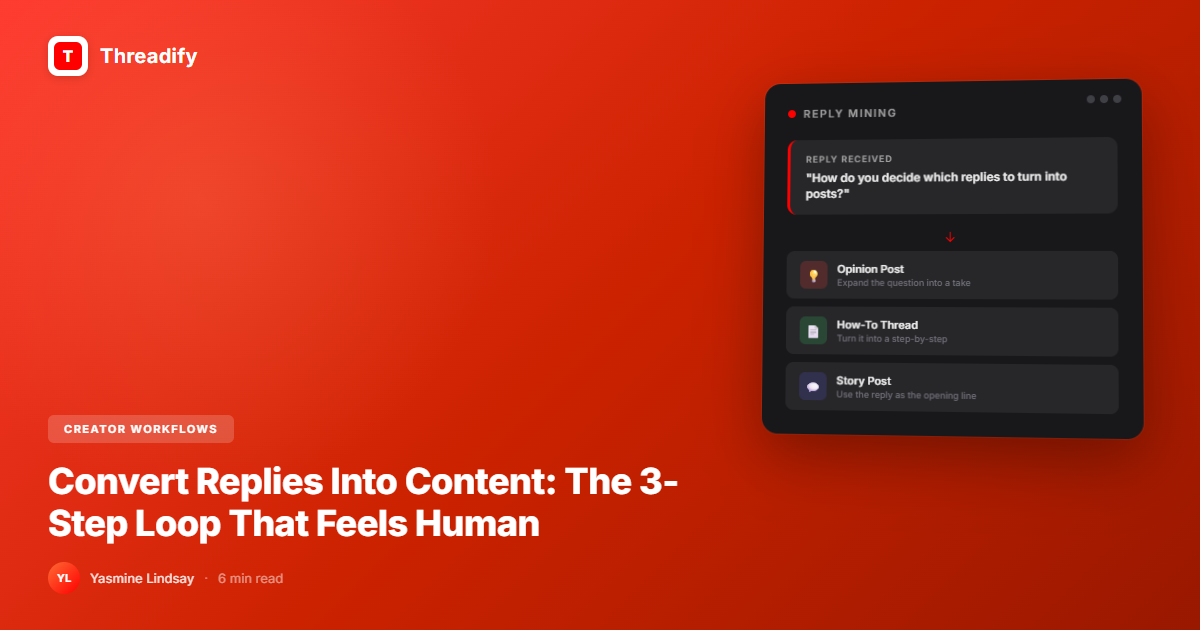
Convert Replies Into Content: The 3-Step Loop That Feels Human
Your reply section is your best content idea generator. Here's the 3-step loop that turns audience conversations into high-performing posts — and builds a flywheel that never runs dry.

Convert Replies Into Content: The 3-Step Loop That Feels Human
Your audience is handing you content ideas every day — in your replies. The best-performing posts aren't invented from scratch. They're extracted from real conversations. When someone replies with a question, objection, or "omg this happened to me too," that's a signal. Turn the signal into a post. The post generates more replies. Repeat forever.
A reply-to-content loop is a content creation system where audience replies become the raw material for future posts. Instead of brainstorming topics in a vacuum, you extract ideas from real conversations — ensuring every post addresses a proven interest, objection, or emotion.
How to Convert Replies Into Content
Scan your replies from the last 7 days.
Flag any reply that contains a question, disagreement, or personal story.
Write a standalone post answering that question or expanding that story.
Credit the original conversation (builds community).
Watch the new post generate fresh replies.
Loop back to step 1.
That's it. The loop is simple. The part most creators skip is step 4 — and it's the most powerful.
The Content Ideas You're Sitting On
Every creator has the same complaint: "I don't know what to post."
Meanwhile, their reply section is full of:
questions they've answered in 2 sentences that deserve full posts
objections that reveal what their audience is actually thinking
"me too" stories that prove a topic has emotional resonance
debates that could become entire threads
You're not out of ideas. You're ignoring the ones your audience is giving you.
This is the difference between content created in isolation and content created in conversation. One feels like shouting. The other feels like listening.
According to Sprout Social's 2025 Social Media Index, 70% of consumers feel more connected to brands that respond to them on social media — and connection is the single strongest predictor of whether someone follows, replies, and eventually buys.
Step 1: Mine Your Replies (The 15-Minute Audit)
Set a timer. Open your last 10-15 posts. Scan the replies.
You're looking for three types of gold:
Type A: The Question Reply
"But how do you do this when you only have 200 followers?"
This is someone telling you exactly what post they need next. The question reveals a gap between what you said and what they need to hear. Fill it.
Type B: The Disagreement Reply
"I actually think posting daily is unsustainable for most people."
Disagreement equals tension equals engagement. This reply is a ready-made hook for your next post. Write the counterpoint. Or better — write a post that steelmans their argument and then offers a synthesis.
Type C: The "Same" Reply
"Omg this literally happened to me last week. I deleted everything and started over."
When multiple people say "same," you've hit a nerve. This isn't just a topic — it's a shared experience worth expanding. The post practically writes itself: "I said [X] last week and 47 people told me they're going through the same thing. Here's what that means."
Step 2: Expand Into a Standalone Post
Take your mined reply and build it out. The structure is simple:
Hook: Reference the original conversation without making it weird.
"Someone asked me yesterday: 'What if I have nothing original to say?'"
Body: Answer the question, explore the objection, or tell the story with depth. Give the full response you couldn't fit in a reply. Add context. Add proof. Add your take.
Close: Invite the next conversation.
"Has anyone else felt this? What did you do?"
The key: write it as a response to a real person, not as a broadcast to an algorithm. The Threads algorithm in 2026 weights replies 3x more than likes — so posts written to provoke a response get structurally more reach. People can also tell the difference between content that was written for them vs. content that was written at them.
Try Threadify for free
Write better Threads in less time. Generate, refine, schedule—without the chaos.
Step 3: Credit and Close the Loop
This is the part most people skip — and it's the most powerful.
When you turn someone's reply into a post, mention it:
"A conversation with @[person] made me rethink how I approach [topic]."
Three things happen:
The original person feels seen — they become a loyal follower
Your audience sees you actually read replies — they start leaving better ones
The new post gets natural engagement from the person you credited, and their network
This is how communities form. Not from content that talks at people, but from content that talks with them.
Why This Loop Outperforms Brainstorming
Traditional content planning:
Sit down with blank page
Try to think of ideas
Google "content ideas for [niche]"
Write something generic
Publish to silence
Reply-loop content planning:
Open replies from last week
Pick the most interesting conversation
Expand it
Publish to an audience that already cares about the topic
Get more replies
Repeat
The second approach works because:
Proven demand — someone already asked for it
Built-in engagement — the original conversation creates social proof
Lower creative friction — you're responding, not inventing
Community building — people feel heard, so they engage more
What a Reply-Sourced Post Looks Like in Practice
A creator posted about morning routines. One reply said: "Must be nice to have time for a morning routine when you're working 12-hour shifts."
Instead of getting defensive, she wrote a follow-up post:
"Someone told me my morning routine advice was out of touch. They work 12-hour shifts. And honestly? They're right."
She then shared a modified 10-minute version for people with zero margin. That post got 3x the engagement of the original because it acknowledged a real objection, showed humility, and provided a version that fit more people's reality.
The reply created a better post than the original.
Building the System (So It Becomes a Habit)
Make reply mining a habit, not a one-off:
Daily (2 minutes): Scan replies on yesterday's post. Screenshot or bookmark anything interesting.
Weekly (15 minutes): Review your bookmarks. Pick 2-3 that could become full posts. Add them to your content queue.
Monthly (30 minutes): Look at which reply-sourced posts performed best. What types of conversations drive the best content? Double down on those formats.
The Compound Effect
Here's what happens over time:
Month 1: You publish 4 reply-sourced posts. They perform 20% better than your brainstormed ones.
Month 3: Your audience notices you actually respond and engage. Reply quality improves. Better replies mean better content fuel.
Month 6: You have a self-sustaining content flywheel. You never "run out of ideas" because your audience generates them for you.
This is the difference between a content calendar and a content ecosystem.
Score Before You Queue It
Once you've written a reply-sourced post, run it through the pre-publish check before scheduling. A strong source idea doesn't automatically produce a strong post — the hook still matters. Threadify Score tells you whether your hook is earning attention before the algorithm sees it. If the score's below 80, fix the opening line. Usually one rewrite is enough.
Check your Threadify Score before your next post
Your Next Step
Open your last 5 Threads posts right now. Read the replies. Find one question, one disagreement, or one "me too" story.
Write a post about it today.
That's the whole system. One reply. One post. One loop started.
Related reads:
Frequently Asked Questions
How do you turn replies into content on Threads?+
Scan your replies from the last 7 days and flag questions, disagreements, or "me too" stories. Expand one into a standalone post that references the original conversation. This reply-to-content loop produces audience-driven posts that already have proven demand.
What is a reply-to-content loop?+
A reply-to-content loop is a content creation system where audience replies become the raw material for future posts. Instead of brainstorming in isolation, you extract ideas from real conversations — ensuring every post addresses a proven interest, objection, or emotion.
Why do reply-sourced posts perform better?+
Reply-sourced posts have proven demand (someone asked for it), built-in social proof from the original conversation, and natural reach from crediting the person who inspired the post. The Threads algorithm rewards posts that generate replies, which reply-sourced content does naturally.
How do I turn a Threads reply into a post?+
Take the reply that earned the most engagement, or the question you answered best, strip the specific context, and rewrite the insight as a standalone post. The reply already proved the idea resonates.
How often should I mine my replies for content?+
Build it into a weekly 20-minute review. Scan the week’s replies, pull the two or three that sparked the most discussion, and queue them as posts. It’s the lowest-effort, highest-signal content source you have.
Try Threadify for free
Write better Threads in less time. Generate, refine, schedule—without the chaos.