How Coaches Can Follow Up on Threads Without Sounding Like a Bot
A simple reply process for coaches who want help with the blank page, not a bot taking over the conversation.

How Coaches Can Follow Up on Threads Without Sounding Like a Bot
The reply is polite. Grammatically perfect. It even gives decent advice.
You'd never say it.
That matters when you're a coach or consultant. Your replies show how you think, how you listen, and what it feels like to work with you.
A tool can help with the blank page. It shouldn't take over the relationship.
A good reply needs more than the right words
A real coaching reply may notice the issue underneath the question. It may challenge someone gently, set a boundary, or know when not to give advice.
A generic draft only sees text.
You see the person, the tone, the history, and the risk of getting it wrong.
That is why the useful output is a first draft you can review, not an answer that gets sent for you.
Give Threadify enough context to help
"Sound like me" is too vague.
Useful context includes:
who you help
what they want
words you use and avoid
how direct, warm, playful, or technical you are
public examples that genuinely sound like you
your offer and its limits
facts the draft may use
claims and private details it must never invent
Don't add confidential client stories just to make a reply feel personal.
Threadify's Brain can remember your voice, preferences, and useful facts. That gives the draft a better starting point. It doesn't replace your judgement.
If your Brain still sounds generic, start with these 10 useful things to add to your Threadify Knowledge Base.
Keep four choices in front of you
Read it
Read the comment and the draft together.
A sentence can sound fine on its own and still miss the point of the conversation.
Try Threadify for free
Write better Threads in less time. Generate, refine, schedule—without the chaos.
Change it
Replace any words you wouldn't use. Add context only you know. Check every fact.
One honest sentence usually sounds more human than a polished paragraph.
Skip it
Not every comment needs an answer.
Skip when the conversation is finished, the context is missing, a reply would feel forced, or the topic belongs in a private conversation with consent.
When a private follow-up is appropriate, this Threads DM guide shows how to continue without turning it into cold outreach.
Send it
Sending is a separate choice.
Check the words, account, and exact comment before anything goes public.
Read it. Change it. Skip it. Send it.
If a tool hides any of those choices, it is solving the wrong problem for a trust-based business.
Ask five questions before you send
Is it true?
Check every fact, result, promise, product detail, and personal reference.
Does it answer this person?
Reply to what they actually said, not one keyword pulled out of the comment.
Would I say it like this?
Read it out loud. If you feel yourself cringing, change it.
Is it useful before it sells?
Answer the question first.
Don't force your offer into every conversation.
Does it need a next step?
Most replies don't.
If one does, keep it small, clear, and relevant. No fake urgency. No pretending someone asked for something they didn't.
Know when to write it yourself
Start from a blank page when:
the topic is high stakes
private client context matters
the person sounds distressed
the tone is unclear
the reply could create a public promise
Threadify doesn't have enough context
you simply want to answer as yourself
The tool should reduce friction. It shouldn't overrule your judgement.
What Threadify actually does
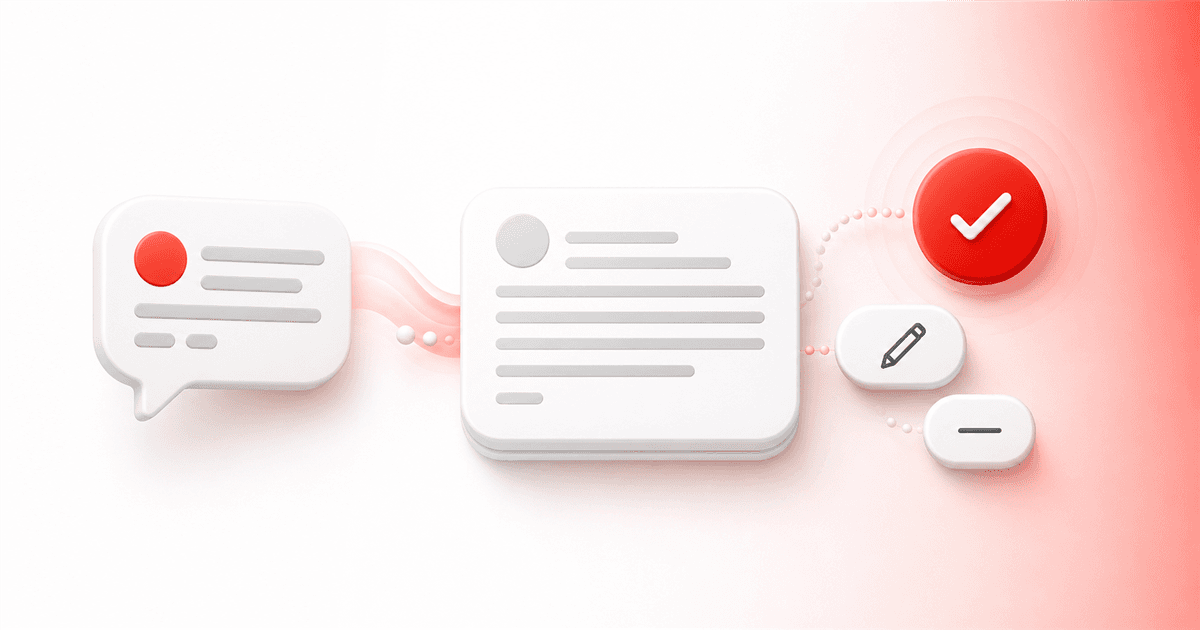
Threadify can find comments waiting for a reply and use your saved voice and context to draft a starting point.
You see the original comment beside the draft.
Then you decide whether to change it, skip it, or send it. You can also ignore the draft and write the whole reply yourself.
Nothing needs to sound automated. Nothing needs to be sent without you.
Draft one reply before you send it
Threadify helps you get past the blank page while keeping the real conversation in your hands.
Start my 7-day Threadify trial
The trial needs a card. You pay $0 today, and it continues on the displayed Creator plan unless you cancel. Check the signup page for the current terms.
Frequently asked questions
Does Threadify post replies automatically?
No. Drafting and sending are separate. You can read, change, or skip a reply before anything goes public.
How does Threadify learn how I write?
Its Brain uses the voice, preferences, useful facts, and examples you've saved. The draft is only as good as the context available, so you still need to read it.
Can I change a Threadify draft?
Yes. Change the wording, add missing context, remove a claim, or skip the draft completely.
Should I add private client details?
No. Use the minimum public-safe context needed. Don't expose confidential client information, private conversations, or sensitive personal details.
Can I write the reply myself?
Yes. You can read the original comment, write your own reply, and keep sending as a separate choice.
Frequently Asked Questions
Does Threadify post replies automatically?+
No. Drafting and sending are separate. You can read, change, or skip a reply before anything goes public.
How does Threadify learn how I write?+
Its Brain uses the voice, preferences, useful facts, and examples you've saved. The draft is only as good as the context available, so you still need to read it.
Can I change a Threadify draft?+
Yes. Change the wording, add missing context, remove a claim, or skip the draft completely.
Should I add private client details?+
No. Use the minimum public-safe context needed. Don't expose confidential client information, private conversations, or sensitive personal details.
Can I write the reply myself?+
Yes. You can read the original comment, write your own reply, and keep sending as a separate choice.
Try Threadify for free
Write better Threads in less time. Generate, refine, schedule—without the chaos.