10 things to put in your Threadify Knowledge Base (that make AI drafts sound like you)
The Knowledge Base is the most underused feature in Threadify. Add these 10 things and your AI drafts will stop sounding like a content template.

Most people set up Threadify, ask it to draft something, skim one line, and think "nope, that's not me." Then they close the tab and go back to staring at a blank screen.
The problem isn't the AI. The problem is the Knowledge Base is empty.
The real reason AI drafts sound generic
Threadify's AI doesn't know you. Not yet. Without your context, it writes the way it has been trained to write: competent, clear, and completely interchangeable with every other piece of content on the internet.
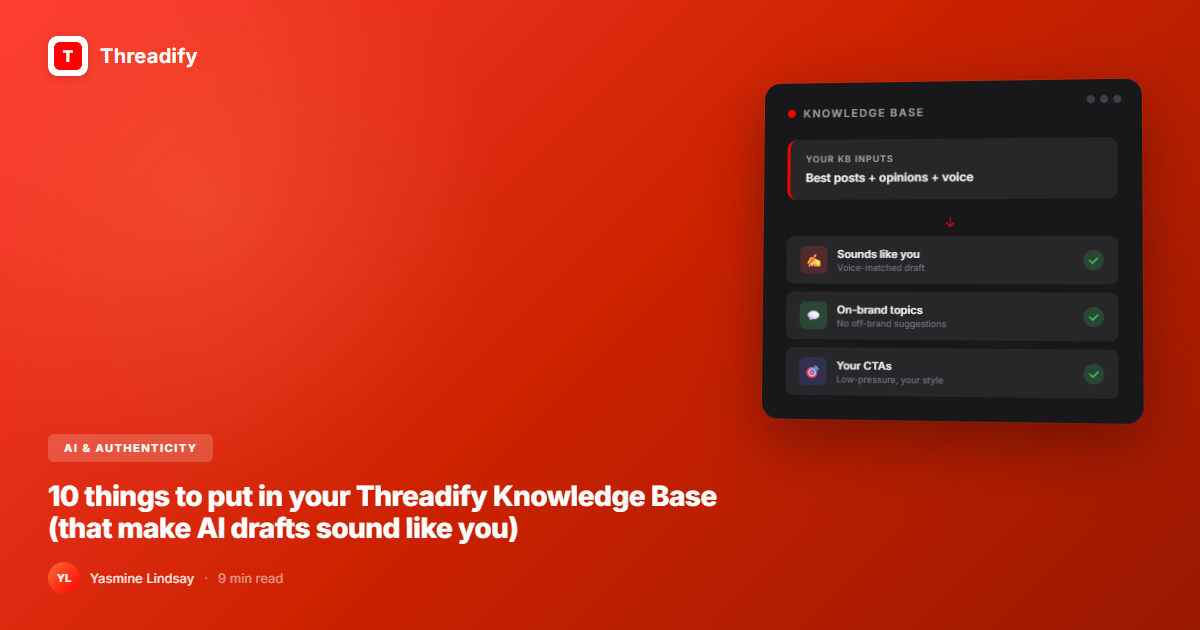
The Knowledge Base changes that. It's where you teach Threadify who you are, what you believe, how you talk, and what you've built. Once those inputs exist, "Ask Threadify..." stops producing templates and starts producing drafts you actually recognise.
What to put in your Threadify Knowledge Base: a direct answer
The 10 highest-impact things to add to your Knowledge Base are: your best past posts, your genuine opinions on key topics, your personal backstory, your signature vocabulary and phrases, your no-go zones, your audience's real pain points, your results and proof points, your offers and what they include, your CTA language, and your content pillars. Together, these give Threadify the context it needs to write in your voice, not a generic approximation of it.
According to internal Threadify data, paid users who set up their Knowledge Base generate and publish significantly more content than those who leave it empty. The KB isn't a nice-to-have. It's the feature that makes everything else work.
The 10 things (and why each one matters)
1. Your best-performing past posts
Copy in 5 to 10 of your highest-engagement Threads posts. Not your favourites. Your best-performing ones, measured by replies and saves.
This gives Threadify a real pattern to work from. It learns your sentence length, your hook style, the way you land a point. It stops guessing and starts reflecting.
If you're new to Threads, use your best LinkedIn posts, newsletter emails, or any writing you've done that felt most like you.
2. Your genuine opinions on key topics
This is the one most people skip, and it's the one that matters most.
Write out your actual takes on 5 to 10 things in your niche. Not "I believe in consistency." Your real, specific, potentially controversial opinions. The things you'd say in a DM to a close peer.
Threadify's AI is capable of having a perspective. It just needs yours to borrow from.
Example: if you're a creator who hates the "post 3 times a day or die" advice, write that out. State the belief, state why you disagree, state what you actually think works. Now every AI draft that touches that topic will carry your actual stance instead of a sanitised median opinion.
3. Your personal backstory (the relevant bits)
Not your entire life story. The parts that explain why you're qualified to talk about what you talk about.
When did you start? What did you come from? What did you figure out that you wish you'd known? What have you built or failed at that your audience would find useful?
A creator who left corporate at 21 after burnout writes differently about "work-life balance" than a business coach who's never had a job. That context belongs in your KB.
Threads' algorithm now heavily favours posts that generate real conversation, according to Metricool's 2026 algorithm breakdown. Personal specificity is what triggers that. Generic content gets scrolled past.
4. Your signature vocabulary and phrases
Every person has a vocabulary fingerprint. Words they reach for. Phrases they've coined or adopted. Sentence patterns that feel natural.
List yours. Literally: write out 10 to 20 words or phrases you use regularly. If you say "real talk" at the start of honest observations, or "this tracks" when something makes sense, or a specific nickname for your audience, put it in.
Try Threadify for free
Write better Threads in less time. Generate, refine, schedule—without the chaos.
Threadify will start using them. Your drafts will start sounding like you wrote them at 2am in Notes app, not like something from a content template.
5. Your no-go zones
What do you never talk about? What topics feel off-brand, exhausting, or outside your lane?
Write them down. "I don't talk about crypto. I don't cover general productivity advice. I don't give investment advice."
This matters more than people expect. Without guardrails, AI fills gaps with the most common content in a niche. Telling it what to avoid keeps your drafts on-brand even when you're generating at scale.
6. Your audience's specific pain points
Not the general ones. The specific ones.
Not "creators struggle with consistency." The actual frustrations you hear in DMs, in community posts, in comments on your content.
"My audience is Threads creators who post consistently but get zero traction and can't figure out why." "They've tried batch scheduling but still feel behind." "They copy hooks they see working for others and wonder why their version falls flat."
When Threadify drafts a hook, a post, or a reply, it uses your audience context to make the content land for the right person.
7. Your results and proof points
What have you or the people you work with actually achieved?
Concrete numbers. Real timelines. Specific outcomes. Not "helped hundreds of creators grow" but "went from 200 to 2,400 followers in 11 weeks by doing X."
AI drafts with real proof points feel credible. AI drafts without them feel like claims. The difference is whether anyone reads past the first line.
8. Your offers and what they actually include
If you're using Threadify to promote anything, the AI needs to know what it's promoting.
Not just the name. What it is, what's inside it, who it's for, what it costs, and what outcome it delivers. Write this out as if you're explaining it to a friend who's never heard of it.
Threadify's Auto Plug feature drops your CTA when a post gains engagement. That CTA converts better when it's pulling from a detailed offer description, not a vague product name.
9. Your CTA language
How do you invite people to take action? What does that sound like in your voice?
Write out 3 to 5 versions of your typical CTA in your actual words. The way you'd say it in a DM. The way it appears in your best-converting posts.
If you use low-pressure language ("have a play with it, no pressure"), put that in. If you prefer direct asks, put those in. Threadify will learn your CTA energy and stop producing high-pressure, generic calls to action that don't match your brand.
10. Your content pillars
What are the 3 to 5 topics you come back to consistently?
State them explicitly: "I write about building in public, content systems, and the mental health side of running a business." Now Threadify knows to stay in those lanes and stop surfacing ideas that have nothing to do with what you actually cover.
How to add all of this without spending your whole afternoon
You don't need to do this in one sitting. Start with the two highest-leverage items: your best past posts and your opinions.
In Threadify, navigate to your Knowledge Base. You can upload files (Google Docs, Notion exports, plain text) or type directly into the facts field. Each tier has different limits: Starter supports 1 file and 50 facts, Creator supports 10 files and 600 facts, Founder supports 20 files and unlimited facts.
A good starting point: paste in your top 5 performing posts as a text file, then add 5 to 10 opinion statements as individual facts. That alone will noticeably improve your next drafts.
Meta launched "Dear Algo" in February 2026, a feature that lets users tell the Threads algorithm what they want to see, as reported by CNBC. The parallel to your Knowledge Base is exact. The more specific your input, the more useful the output. Vague instructions produce vague results.
The shift that happens after you do this
The first time Threadify generates a draft that actually sounds like you, it's genuinely surprising.
Not "good for AI." Not "I can edit this." Actually sounds like you wrote it at your laptop at 10pm.
That's the Knowledge Base doing its job. It's not magic. It's just the AI finally having enough of the right context to work with.
Set it up once. Maintain it monthly. Let the drafts get better from there.
If you're just getting started with Threadify, the first 7 days walkthrough covers the full setup sequence including your Knowledge Base. And if you're wondering why AI content sounds off even when you've done everything right, the KB and voice training deep-dive explains the mechanics behind it.
Start at www.threadify.app and navigate to your Knowledge Base to get started. If you're on the Creator or Founder plan, you'll have enough file and fact capacity to fully implement everything in this list.
Frequently Asked Questions
What should I put in my Threadify Knowledge Base?+
Add your best past posts, your opinions on industry topics, your personal backstory, your signature vocabulary, your audience's pain points, your results and proof points, your offers, your CTA language, and your content pillars. The more specific and personal the content, the better your AI drafts will sound.
How does the Threadify Knowledge Base work?+
The Knowledge Base trains Threadify's AI on your voice, expertise, and context. When you ask Threadify to draft a post, it pulls from your KB to generate content that reflects your tone, topics, and perspective, rather than producing generic AI output.
How many files can I add to the Threadify Knowledge Base?+
The Creator plan allows 10 files and 600 facts. The Founder plan allows 20 files and unlimited facts. Start with your highest-signal content to maximise impact on either plan.
Why do my AI drafts sound generic even after using Threadify?+
Generic AI drafts are almost always a Knowledge Base problem. If your KB is empty or only has a few vague facts, the AI defaults to general patterns. Add specific examples, your actual opinions, and your real vocabulary, and the quality improvement is immediate.
How often should I update my Threadify Knowledge Base?+
Update your KB whenever your positioning shifts, you develop a new strong opinion, you get a result worth referencing, or your audience evolves. A monthly review is enough for most creators. Think of it less like a settings screen and more like an ongoing conversation with your AI.
Try Threadify for free
Write better Threads in less time. Generate, refine, schedule—without the chaos.