Which Threadify Plan Do You Need: Founder or Operator?
A plain-English guide to choosing Founder or Operator without paying for tools you don't need yet.

Which Threadify Plan Do You Need: Founder or Operator?
If you run a service business, Operator gives you more.
That doesn't mean you need it.
The right plan is the smallest one that fixes the problem you have now.
Founder is usually enough when you want better reports, more tracked links, and room to run several business or client accounts inside Threadify.
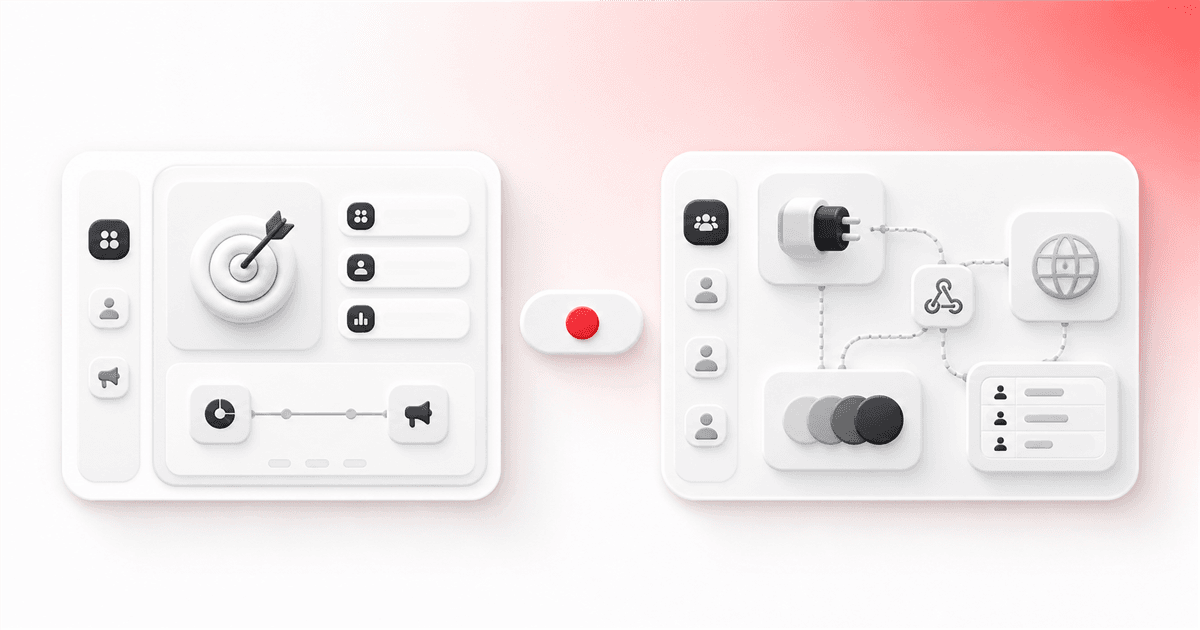
Operator is for a service business with a bigger setup: Threadify data needs to move into another system, several people need access, or more brands need to be managed together.
The short answer
Choose Founder when:
you want Threadify's deeper growth reports
you want campaign tools
you need more actions and tracked links
you manage several brands or accounts
most of the work stays inside Threadify
Choose Operator when:
you need to download or move raw data
another system needs to receive Threadify events
you need reporting across more brands
several people need their own access
you keep hitting Founder's limits
Don't pay for a future "maybe".
Upgrade when you can name the exact problem Operator will solve.
If you are still deciding whether Creator or Founder is the better first step, use this Creator versus Founder plan guide before comparing Founder with Operator.
Founder is enough for most growing teams
Founder currently includes:
2,000 AI actions
150 tracked links
Growth Insights
campaign automation
up to 10 brands or accounts
It suits a service-business founder who wants to see what is working, review comment patterns, run campaigns, and manage several accounts without building a separate data system.
Founder already includes the full Growth Signal report and ranked commenter reports.
Those features aren't Operator-only.
Operator is for a bigger setup
Operator currently includes:
5,000 AI actions
Try Threadify for free
Write better Threads in less time. Generate, refine, schedule—without the chaos.
750 tracked links
raw downloads, bulk data, CSV, and API access
custom API keys and webhooks
reporting across brands
up to 20 brands
up to five seats
That list sounds technical, so here is what it means in normal language.
Operator is useful when Threadify needs to be part of a wider setup.
Maybe you need to send Threadify data into your CRM. Maybe you manage several client brands. Maybe more than one person needs their own access.
That is a different problem from wanting better reports.
Five signs you may need Operator
You need the raw data
Do you need individual rows, bulk downloads, CSV files, or data you can analyse yourself?
If the report inside Threadify already answers your question, Founder may be enough.
Threadify needs to connect to another system
An API or webhook is simply a way for Threadify to send data to another tool.
If you can't name the tool, what needs to be sent, and why, you probably don't need this yet.
You manage a lot of brands
Founder supports up to 10 brands or accounts.
Operator supports up to 20 and adds reporting that connects work across those brands.
You keep hitting the limits
Look at your normal usage, not one unusually busy week.
Upgrade when Founder's action, link, or brand limits keep getting in the way.
Several people need access
Operator supports up to five seats.
It makes more sense when several people need their own access and you have a clear way to decide who owns, reviews, and approves the work.
If none of these problems is real yet, stay on Founder.
Bad reasons to upgrade
Don't upgrade because:
Operator sounds more serious
the feature list is longer
you think every useful report needs Operator
you might want an API one day
you expect a bigger plan to create growth for you
one busy week made a limit look close
A plan can support your work. It can't fix a weak offer, unclear audience, or bad strategy.
Try the basic workflow first
Before choosing a bigger plan:
Use the trial.
Publish a Thread.
Review the replies and buyer signals.
Draft and approve a follow-up.
Track the next step.
See what proof you get back.
Then name the problem you still have.
If you are new to the product, follow the first seven days on Threadify before paying for capacity you have not tested.
If that problem is higher limits, outside systems, more brands, or more people, Operator may be worth it.
If not, don't overcomplicate it.
Start with the trial
Threadify's seven-day trial lets you test the main workflow your service business needs before paying for a bigger plan.
Start my 7-day Threadify trial
The trial needs a card. You pay $0 today, and it continues on the displayed Creator plan unless you cancel. Check the signup page for the current terms.
Frequently asked questions
Is Growth Signal only on Operator?
No. The full Growth Signal report needs Founder+. Operator is for raw data, connections to other systems, work across brands, higher limits, and more seats.
Can Founder manage more than one brand?
Yes. The current public plan page lists up to 10 brands or accounts on Founder. Operator lists up to 20 and adds reporting across those brands.
Do I need Operator for API or webhooks?
Yes. Those features currently sit on Operator. Only upgrade for them when you can name the other system, the information it needs, and why.
How many people can use Operator?
The current public plan page lists up to five seats. Check the live terms before buying because plan details can change.
Should a new Threadify user start on Operator?
Usually not. Start with the trial, test the main workflow, and move up only when you can name the problem the bigger plan will solve.
Frequently Asked Questions
Is Growth Signal only on Operator?+
No. The full Growth Signal report needs Founder+. Operator is for raw data, connections to other systems, work across brands, higher limits, and more seats.
Can Founder manage more than one brand?+
Yes. The current public plan page lists up to 10 brands or accounts on Founder. Operator lists up to 20 and adds reporting across those brands.
Do I need Operator for API or webhooks?+
Yes. Those features currently sit on Operator. Only upgrade for them when you can name the other system, the information it needs, and why.
How many people can use Operator?+
The current public plan page lists up to five seats. Check the live terms before buying because plan details can change.
Should a new Threadify user start on Operator?+
Usually not. Start with the trial, test the main workflow, and move up only when you can name the problem the bigger plan will solve.
Try Threadify for free
Write better Threads in less time. Generate, refine, schedule—without the chaos.