Build a Threads Content System That Runs Without You (Step-by-Step)
How to build a Threads content system that keeps you consistent without daily scramble. Step-by-step guide: batch draft, score, schedule, automate.

Build a Threads Content System That Runs Without You (Step-by-Step)
Everyone talks about "posting consistently" like it's a personality trait you either have or you don't.
It isn't. Consistency is a system problem.
If you don't have a system, you're improvising every single day. And improvising every day burns people out faster than any algorithm penalty ever could. The creators who post consistently aren't the ones with more discipline. They're the ones who frontloaded the decision-making.
How to Build a Threads Content System
A Threads content system is a repeatable weekly process for drafting, scheduling, and repurposing content in batches so you post consistently without starting from scratch every day.
Build your content bank: Capture 10-15 post ideas every week from replies, conversations, and daily observations
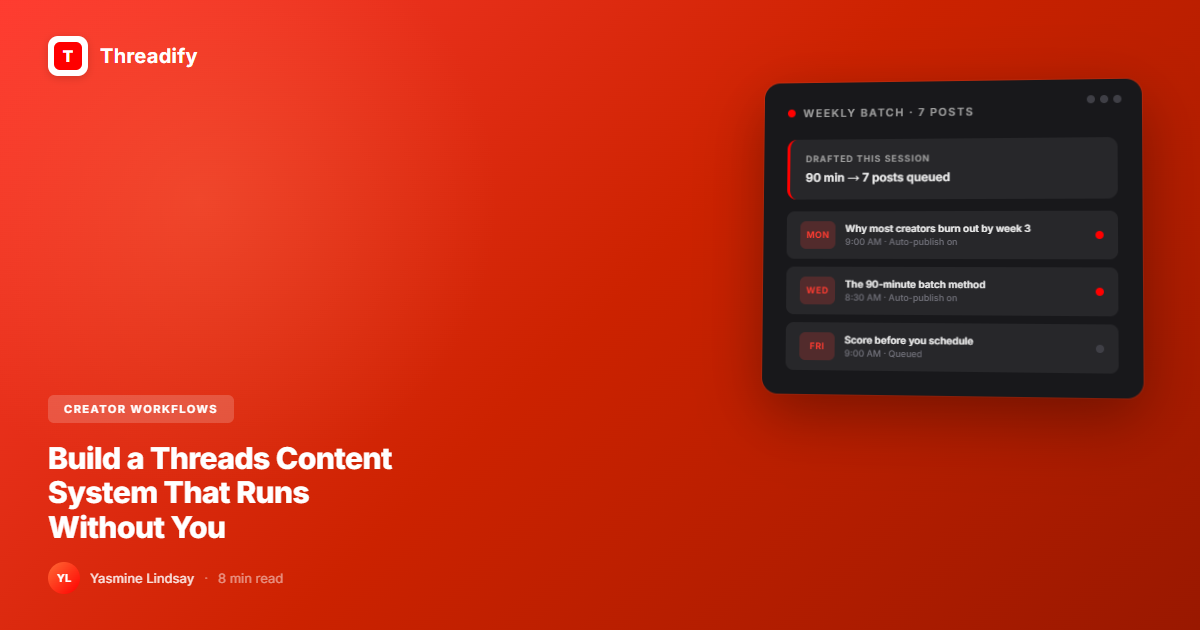
Batch draft in one session: Turn those ideas into posts during a weekly 90-minute block
Score before scheduling: Use the Threadify Score to filter weak posts before they go out
Schedule to auto-publish: Queue everything so posts go live without you being online
Automate your conversion layer: Set up Auto Plug to drop your CTA when posts get traction
Review and repeat: Check what worked at the end of the week, then double down next batch
That's the full loop. The rest is detail.
Step 1: Build a content bank (10 minutes, daily)
Stop trying to think of post ideas when you sit down to write. That's the wrong sequence.
The ideas should already exist before you open a blank doc.
Here's the capture habit that works:
When a Threads reply makes you think "I could write a whole post about that" — save it immediately. Voice memo, notes app, doesn't matter. Don't lose it.
When something frustrates you about your industry — write it down. That's a post.
When someone DMs you asking the same question twice — that's a post.
When you read something and disagree with it — that's a post.
Spend 10 minutes at the end of each day skimming your replies and DMs for patterns. Topics that come up repeatedly are your highest-engagement posts waiting to happen.
By the time your weekly writing session arrives, you should have 15-20 captured ideas. You'll use 7-10 of them. The rest carry over to next week.
Step 2: Batch draft in a single 90-minute block
One session per week. Block it in your calendar. Treat it like a meeting you can't move.
Ninety minutes is enough to draft 7-10 posts when you're working from a captured idea list. When you start from zero — no list, no direction — you'll spend that time picking a topic and end up with two mediocre posts.
The sequence inside your batch session:
Try Threadify for free
Write better Threads in less time. Generate, refine, schedule—without the chaos.
Pick your best 7-10 captured ideas
Decide what kind of post each one is: hook with list, personal story, opinion, contrarian take, how-to
Draft each post — write messy, edit after
Run each post through the Threadify Score before scheduling. Under 80 means you're about to waste a publishing slot.
Cut the weak ones. You only need 5-7 posts per week to be genuinely consistent.
A useful post is better than a mediocre post. Every time.
Step 3: Schedule to auto-publish
This is where the system starts running without you.
After scoring, move everything into your publishing queue. Spread posts across the week — don't publish in bursts and then go dark for three days.
According to Buffer's State of Social Media 2026 report, Threads has a median engagement rate of 6.25%, compared to 3.6% on X. The creators capturing that engagement are posting consistently across the week, not dumping content on one day.
Set your schedule based on your audience's actual active hours. Threadify's analytics show you the best time to post based on your account's real data — not generic advice about posting at 9am on Tuesdays.
If you've already gone through your first week on Threadify, you have a baseline. Refine your timing over the next 2-3 weeks.
Step 4: Automate your conversion layer
Most creators treat content creation and monetization as two separate workflows. Write posts. Manually add links later. Forget. Wonder why Threads isn't converting.
Auto Plug closes this gap without extra work.
Here's why it works: posting your CTA in the original post kills reach. The algorithm reads "link in first post" as an attempt to pull people off platform and buries you. But if you earn real engagement first and then drop the link, the algorithm has already decided to amplify you. The CTA just captures that momentum.
Auto Plug triggers automatically when a post crosses your chosen engagement threshold. You set the CTA once in CTA Studio. It runs on every post going forward.
Set it up once. Give it a week. Track your conversion rate.
Step 5: Review what worked
Every week, spend 20 minutes reviewing performance before your next batch session.
Look at your analytics and ask three questions:
Which post got the most replies? That topic goes deeper next week.
Which format outperformed? (Personal story vs list vs opinion vs how-to) — do more of what worked.
Which post flopped? Don't delete it. Look at the hook. Weak hooks kill good posts. Rewrite the hook, reschedule it next month.
The weekly review isn't about judging yourself. It's about finding the pattern. Once you see it, your next batch session gets easier because you're leaning into what's already working rather than guessing.
The Threadify analytics dashboard covers all of this — which posts drove the most engagement, when your audience is most active, and which content clusters are building momentum.
What this looks like in actual hours
Daily capture: 10 minutes
Weekly batch session: 90 minutes
Weekly review: 20 minutes
Total: roughly 2.5 hours per week to run a consistent 5-7 post per week schedule.
That's not a lot. But it requires building the system first. Most creators skip the setup and try to wing it every day. That's why most creators burn out.
Why your batch sessions might feel slow
If your batch sessions run over 90 minutes, the problem is almost always at the drafting stage.
When the AI doesn't know your voice, your niche, or your audience, you spend most of the batch session editing drafts instead of approving them. Every draft needs a full rewrite because it sounds generic.
The Knowledge Base changes this.
When you train your Knowledge Base with your actual writing — your best posts, your DM responses where you explained something clearly, your notes on your niche — Ask Threadify generates drafts that already sound like you. Less editing. Faster sessions.
Creators who have fully configured their Knowledge Base report spending 20-30 minutes on batch drafting instead of 90. The system compounds. The more you add, the faster it gets.
Start with what you already have: your 10-20 best-performing Threads posts from the last 90 days. That's enough to establish your voice.
The goal isn't to post forever on willpower. The goal is to build a system that posts for you while you're doing other things — and captures real attention on Threads while it does.
Start with one batch session this week. Draft 7-10 posts. Schedule them. See what the next week feels like when you're not improvising every morning.
If you want the rest of the system handled, Threadify manages the scheduling, scoring, and conversion automation so you're not running it manually.
Frequently Asked Questions
What is a Threads content system?+
A Threads content system is a repeatable weekly process for drafting, scheduling, and repurposing content in batches so you can post consistently without starting from scratch every day. It typically includes a daily capture habit, a weekly batch drafting block, a scheduling tool, and conversion automation like Auto Plug.
How often should you post on Threads to grow?+
Most creators who grow on Threads post 1-3 times per day. Consistency over time matters more than daily frequency. Batching content weekly and using scheduling tools means you can hit that pace without being online all day.
Can you schedule posts on Threads in advance?+
Yes. Third-party tools like Threadify let you draft, score, and schedule Threads posts to auto-publish at your chosen times. Native Threads scheduling exists but lacks voice-first drafting, post scoring, and CTA automation.
How do I stop running out of Threads content ideas?+
Build a daily capture habit: save observations, replies, and frustrations as they happen during the day. When you batch-draft weekly, you pull from a list instead of starting from zero. Most creators find they have more to say than they think once they stop trying to generate ideas at writing time.
What's the fastest way to make Threads content convert?+
Set up Auto Plug. It automatically drops your CTA into the comments when a post reaches your chosen engagement threshold, so you capture conversion at exactly the right moment — without manually posting links each time.
Try Threadify for free
Write better Threads in less time. Generate, refine, schedule—without the chaos.