How to See Which Threads Posts Lead to Bookings or Sales
A simple way to connect a Threads post to the bookings or sales you can actually verify.

How to See Which Threads Posts Lead to Bookings or Sales
Your Threads post got clicks.
Then someone booked a call. Someone else bought.
But can you tell which post helped?
Screenshots, calendar alerts, and UTMs all show pieces of the story. The problem is they don't always prove that the person who clicked was the person who booked or bought.
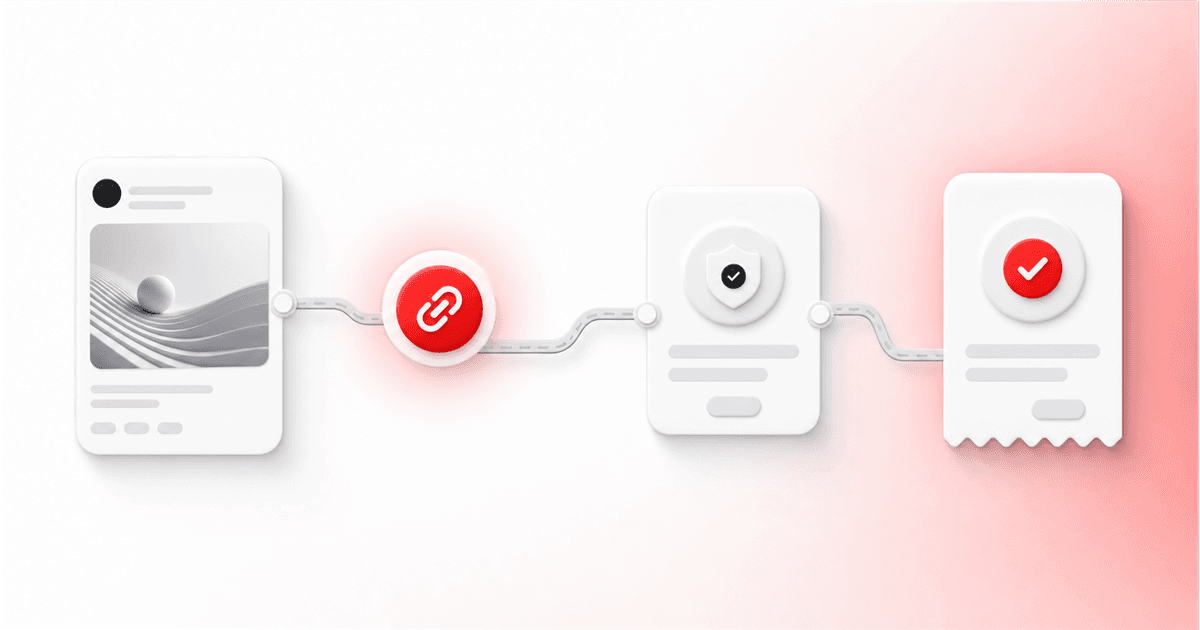
You don't need perfect tracking. You need one clear path you can check.
Choose the result you want to track
Pick one action before you make the link:
a booked call
a lead form
a paid checkout
a trial signup
another result your website can record
Likes and replies can still matter. They just aren't bookings or sales.
One post, one link, and one clear result are much easier to check than a messy campaign with five different next steps.
Track the path one step at a time
Keep the published Thread
Save the Thread and its publication record. If you change the words later, note the change so you know what people actually saw.
Use a tracked link
A tracked link tells you how many visits came through that specific route.
Threadify can show total clicks and unique clicks for links used in published or scheduled content.
If you are still deciding how the CTA should appear, compare Auto Plug with a manual Threads CTA before you build the tracking path.
Keep the Threadify click ID
Threadify gives the visit an ID. That ID is what connects the click to a later booking, signup, or sale.
Without it, you may know a click happened and a booking happened. You can't prove they were the same person moving through the same path.
Record the real result
Your booking page, checkout, or form needs to send back the result you chose. The exact setup depends on the tool you use.
Wait for a real match
Saving a tracking address in settings doesn't prove it works.
Threadify only treats the setup as connected after a real result comes back with a matching Threadify click ID.
That match is the proof.
What the numbers actually mean
Clicks
The number of visits through the tracked link. One person can click more than once.
Unique clicks
A closer estimate of different visitors. It is not a count of leads or customers.
Try Threadify for free
Write better Threads in less time. Generate, refine, schedule—without the chaos.
Conversions
The bookings, signups, purchases, or other results that matched a tracked click.
Conversion rate
Matched results divided by the relevant clicks in the report. Check the date window and which clicks are being counted before comparing posts.
Revenue
The value sent with a matched purchase, when the destination provides it.
It doesn't prove one Thread caused the whole buying decision. It proves the tracked path was part of it.
Test the full path before trusting it
A setup can look finished and still fail.
The link could be wrong. The booking page might not send the result. The click ID could disappear before checkout.
Run one real end-to-end test under safe conditions:
Open the tracked link.
Complete the chosen action.
Check that the result appears in Threadify.
Don't make a paid test purchase unless the destination has an approved test mode.
UTMs still help
UTMs tell you where traffic came from and which campaign it belonged to.
They don't replace the matched click ID.
A calendar alert can show a booking. A link report can show a click. The matching ID is what connects those two events.
Use both when both are useful.
For the wider performance picture around those clicks, read how to use Threads analytics to make your next content decision.
You don't need Operator to start
The current public plans include:
Creator: up to 30 tracked links
Founder: up to 150 tracked links
Operator: up to 750 tracked links, plus raw downloads, connections to other
systems, and reporting across brands
Start with the smallest plan that fits your real volume.
Operator makes sense when you need much higher limits or need Threadify data to move into another system. You don't need it just because one Thread has a link.
Check your results once a week
Confirm the Thread and its link.
Check clicks and unique clicks.
Check whether a real booking, signup, or sale matched.
Confirm the date window.
Use revenue only when the matched result includes it.
Decide whether to keep, change, or stop using that message.
Write down what you know and what is still unknown.
One result can be noisy. Look for the same pattern more than once.
Track your first result
Threadify helps you connect a Thread, a tracked click, and a matched booking or sale so you're not relying on memory.
Start my 7-day Threadify trial
The trial needs a card. You pay $0 today, and it continues on the displayed Creator plan unless you cancel. Check the signup page for the current terms.
Frequently asked questions
Is a click the same as a conversion?
No. A click shows that someone visited through the tracked link. A conversion is the booking, signup, purchase, or other chosen result that came back with a matching click ID.
When is my tracking setup actually connected?
Only after a real result comes back with a matching Threadify click ID. Saving the setup alone isn't proof that it works.
Do UTMs replace Threadify's tracked links?
No. UTMs describe the traffic source and campaign. Threadify's click ID connects a specific visit to a later result. You can use both.
Do I need Operator to track bookings or sales?
No. Creator and Founder both include tracked links. Operator is for higher limits, raw downloads, connections to other systems, and work across brands.
Can every booking or sale be tracked perfectly?
No. Privacy settings, different devices, missing IDs, unsupported tools, and offline decisions can break the path. Report what matched and label the rest as unknown.
Frequently Asked Questions
Is a click the same as a conversion?+
No. A click shows that someone visited through the tracked link. A conversion is the booking, signup, purchase, or other chosen result that came back with a matching click ID.
When is my tracking setup actually connected?+
Only after a real result comes back with a matching Threadify click ID. Saving the setup alone isn't proof that it works.
Do UTMs replace Threadify's tracked links?+
No. UTMs describe the traffic source and campaign. Threadify's click ID connects a specific visit to a later result. You can use both.
Do I need Operator to track bookings or sales?+
No. Creator and Founder both include tracked links. Operator is for higher limits, raw downloads, connections to other systems, and work across brands.
Can every booking or sale be tracked perfectly?+
No. Privacy settings, different devices, missing IDs, unsupported tools, and offline decisions can break the path. Report what matched and label the rest as unknown.
Try Threadify for free
Write better Threads in less time. Generate, refine, schedule—without the chaos.